Overview
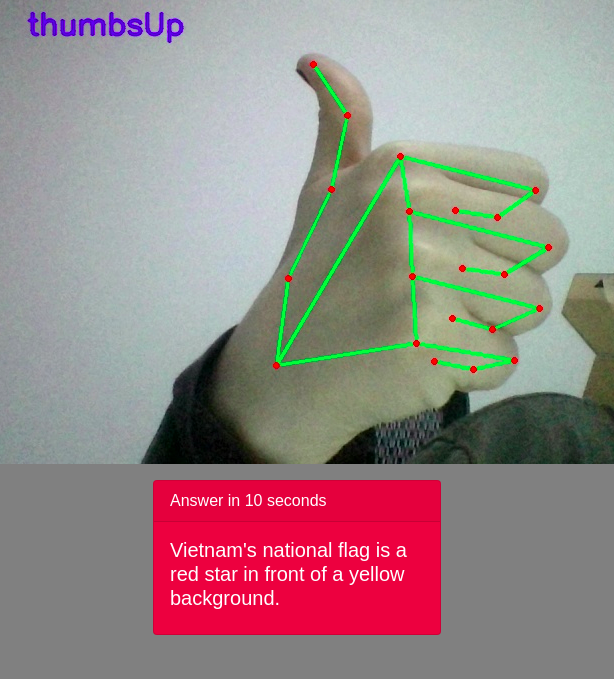
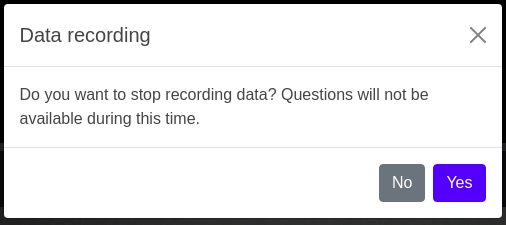
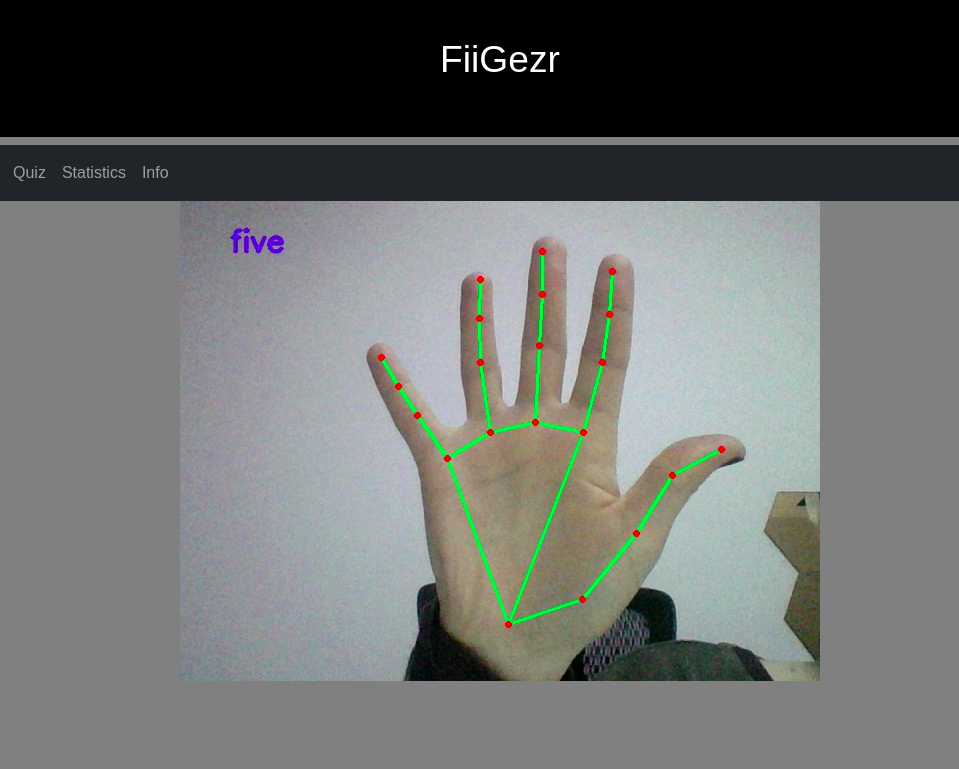
When accessing the application, the user is shown directly the main page that contains the Webcam streams already processed, showing the landmarks of the hand, when one or many are found in video, and the gesture found by the application on the first hand. Once the main page is accessed, the gestures found are also registered by the application for future references. At this moment, the user can start a quiz game, where he could answer with true or false only through gestures, or he could cause the triggering of a rule, like certain gestures opening a new tab in the current browser or stop recording data. All the registered gestures can also be seen in the statistics tab.
Menu
The menu on the top provides actions for the user. Therefore, a user can get statistics of the gestures registered by now and start a quiz game, but also to see information about the application.
Realtime gestures recognition
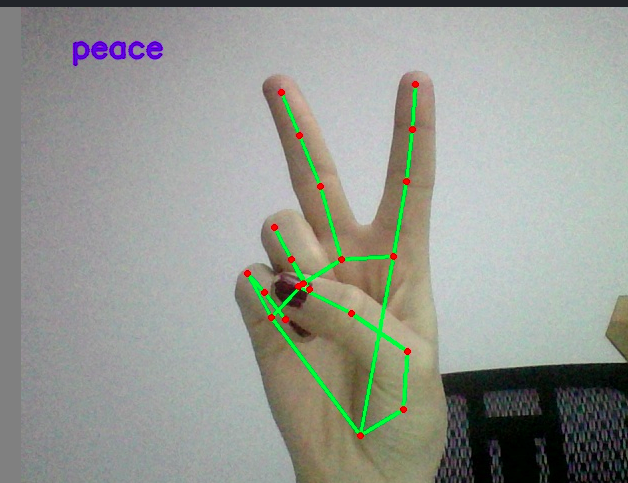
In the middle of the page, the Webcam stream will be shown, with realtime hand gestures recognition. The gestures that are supported are Wave, Fist, Thumbs up, Thumbs down, Peace, Paper and counting from 1 to 5.
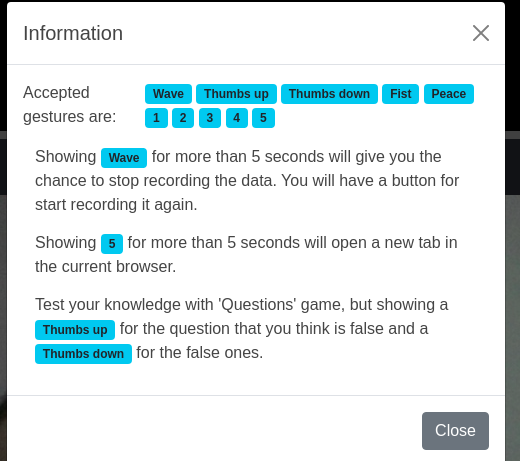
Information popup
After clicking on the info button from the menu, a box that contains information about the app will appear.
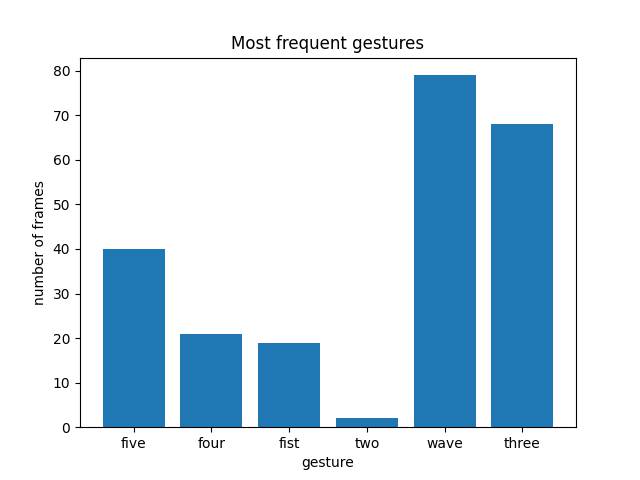
Statistics
This section will open a page containing statistics about the gestures registered until now, not considering the time when data recording was closed
Questions
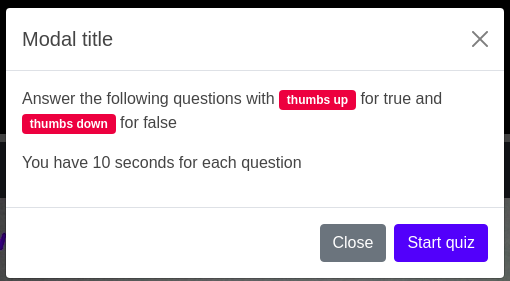
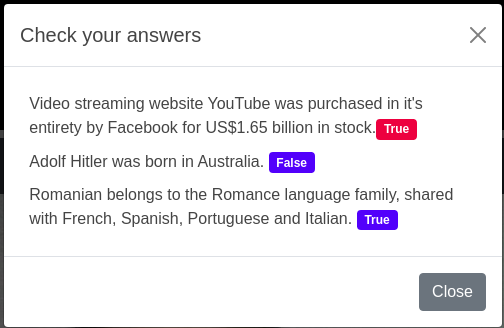
The questions are such that they can be answered only true or false, and for this the user will have 10 seconds per question to show to the camera thumbs up (for at least 5 seconds), if he considers the statement to be true, and thumbs down if who considers it false. Before the game starts a popup will appear to specify the constraints of the game. After confirmation, a box corresponding to each question will appear under the camera. After answering the questions, a new popup will appear to specify for each question whether it was answered correctly, by coloring the answer it in blue, or incorrectly, in red. Starting a quiz: